
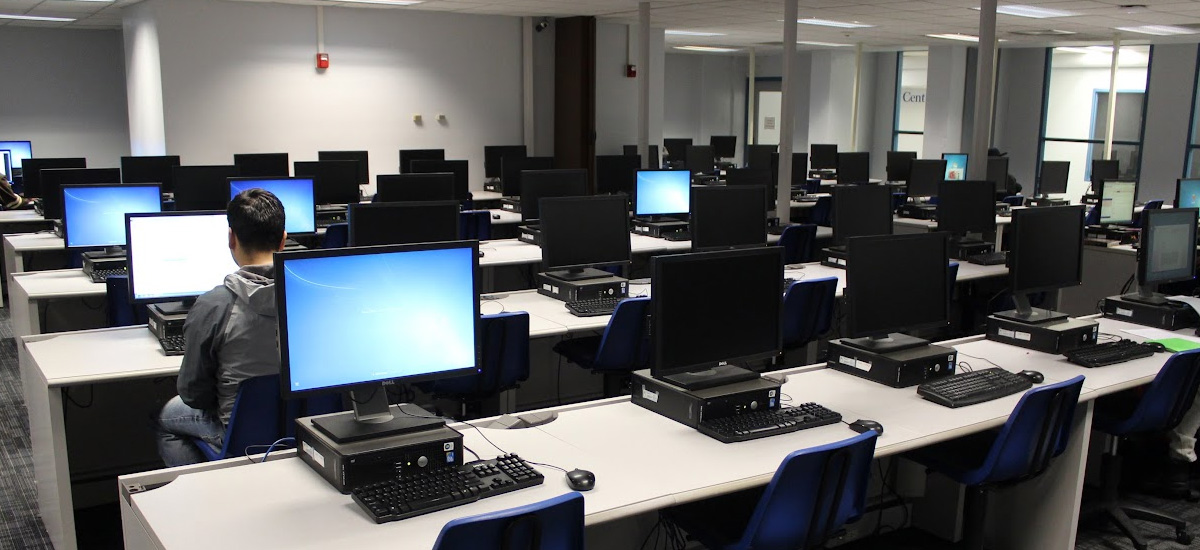
School Computer Lab Setup with Desktop PCs
End-to-End Design, Installation & Maintenance
At Vedsar, we don’t just install computers — we create complete digital learning and training environments.
From selecting the right hardware to arranging ergonomic furniture, setting up networking, supplying desktop computers in bulk, installing licensed software, and training your staff — we deliver turnkey computer lab solutions that are ready to use from day one. School computer lab setup cost depends on the number of seats, computer specifications, networking, furniture, and installation scope; contact us for a quote.
Get Started NowOur 6-Step Lab Setup Process

Step 1
Consultation & Site Survey
Understand your requirements: number of systems, usage type, budget.
Measure room dimensions for space planning.
Assess power supply, lighting, ventilation, and network feasibility.
Step 2
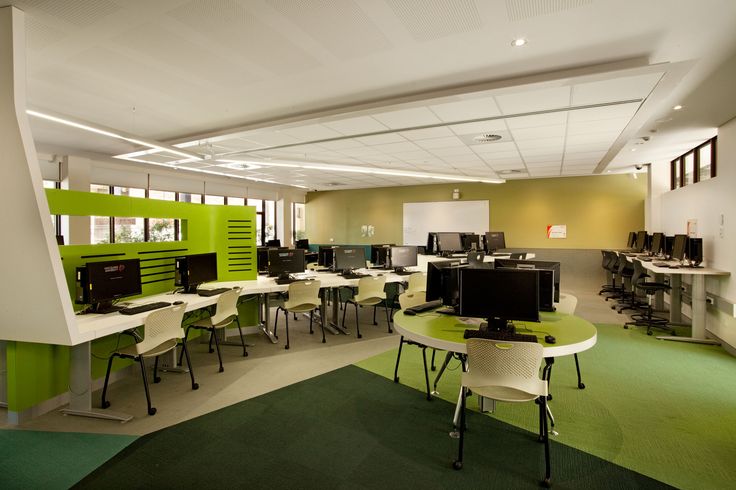
Custom Lab Design
Create 2D/3D layouts for desks, seating, and cable routing.
Plan for ergonomic comfort (screen height, chair positioning).
Include a teacher’s workstation with central control software.
Step 3
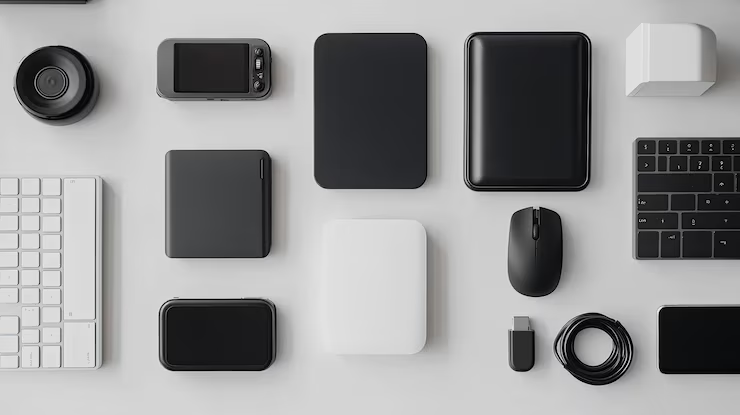
Hardware Procurement
Computer Configurations:
Basic – Typing, browsing, office work.
Mid-Range – Multimedia, coding, general IT training.
High-End – CAD, AI, graphic design, video editing.
Peripherals & Extras
Monitors, keyboards, mice, headsets, webcams
Printers, scanners, and projectors (if required).

Step 4
Networking & Power Setup
Networking
Gigabit Ethernet cabling with managed switches.
Secure Wi-Fi for mobile devices.
VLAN setup for restricted internet access.
Power
Dedicated lines with surge protection & proper earthing.
UPS systems for uninterrupted operation.

Step 5
Software Installation
Licensed OS (Windows/Linux).
Productivity tools (MS Office, LibreOffice, Google Workspace).
Specialized software (AutoCAD, MATLAB, Adobe CC, Tally).
Security software (antivirus, firewall).
Step 6
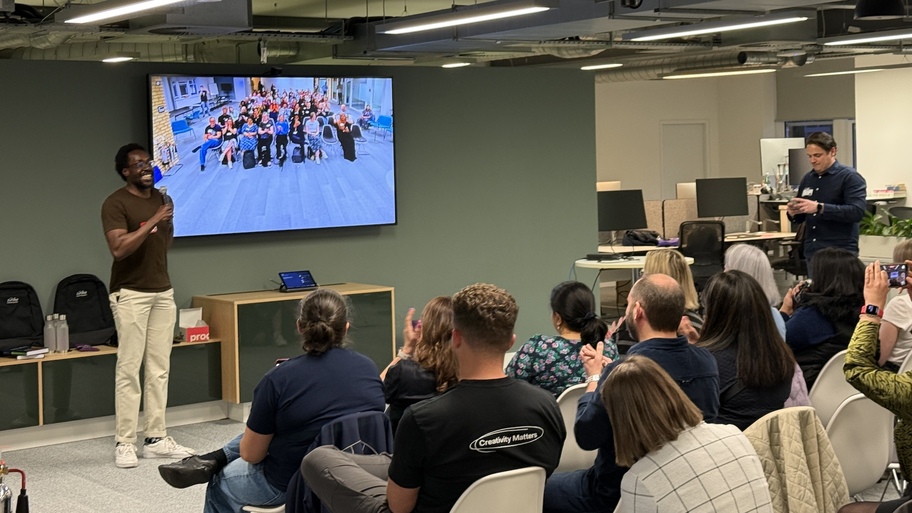
Testing, Training & Handover
Full hardware & network testing.
Staff training on operation & troubleshooting.
Handover of user manuals, warranty details, and AMC options.
Technical Specifications We Offer
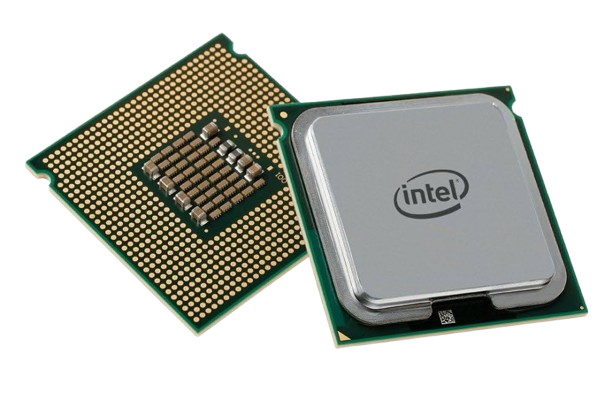
Processor
Basic
Intel i3 / Ryzen 3
Mid-Range
Intel i5 / Ryzen 5
High-End
Intel i7/i9 / Ryzen 7/9
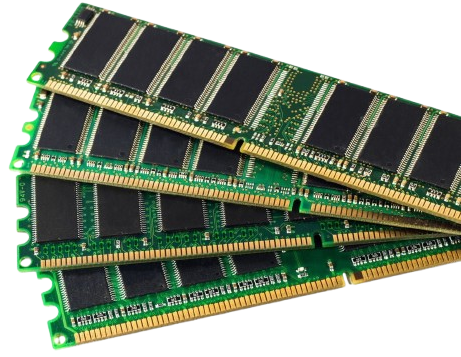
RAM
Basic
4GB DDR4
Mid-Range
8GB DDR4
High-End
16–32GB DDR4
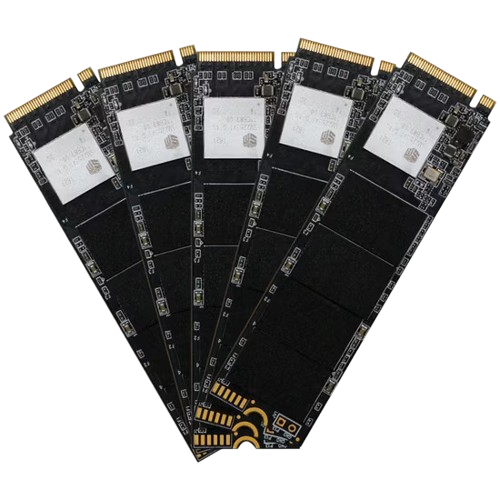
Storage
Basic
256GB SSD
Mid-Range
512GB SSD + 1TB HDD
High-End
1TB NVMe SSD
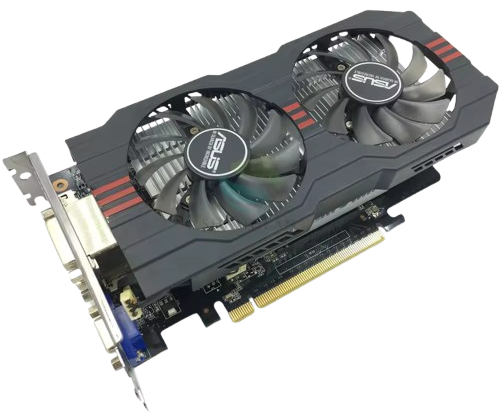
Graphics
Basic
Integrated UHD
Mid-Range
Dedicated 2GB GPU
High-End
Dedicated 4–8GB GPU
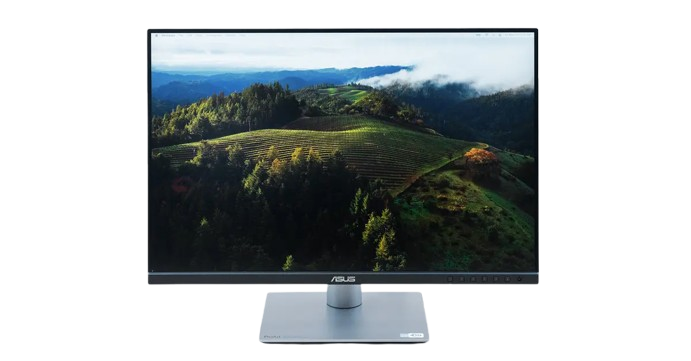
Monitor
Basic
19″ LED
Mid-Range
21.5″ LED
High-End
24″ IPS Full HD
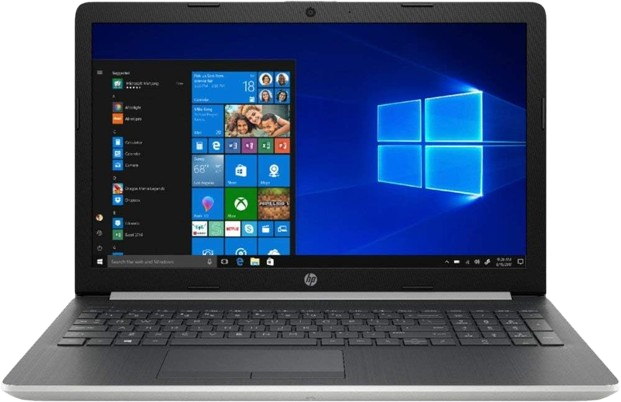
OS
Basic
Windows 11 / Ubuntu
Mid-Range
Windows 11 Pro
High-End
Windows 11 Pro
Key Features
Future-Ready Hardware
Latest-gen components for long service life.
Ergonomic Layouts
Reduce fatigue during long sessions.
Secure Networking
Firewalls, VLANs, content filtering.
Energy Efficiency
Low-power consumption systems.
Centralized Control
Teacher can monitor/control all student PCs.
AMC & Support
On-call and remote maintenance services.
Safety & Compliance
Proper earthing & surge protection.
Fire safety planning with extinguishers.
Cable management to prevent accidents.
Compliance with government digital education norms
Perfect For
Educational Institutions
Schools, colleges, universities.
Corporate Training Centers
IT skills & onboarding programs.
Vocational & Technical Institutes
CAD, coding, design, repair labs.
Government Projects
Skill development centers, CSCs, e-learning hubs.
Why Choose Vedsar?
One-Stop Solution
From design to delivery.
Nationwide Installation
Anywhere in India.
Top Brands
Dell, HP, Lenovo, Acer, Intel, AMD
Budget Flexibility
Configurations for every price range.
Post-Installation Support
Maintenance, upgrades, troubleshooting.
Let’s Build Your Dream Setup Today!
Fill out the form or call our experts for a personalized quote.